Running analysis progress view
As soon as you begin the analysis, JADBio reports Progress in the Analyses table.
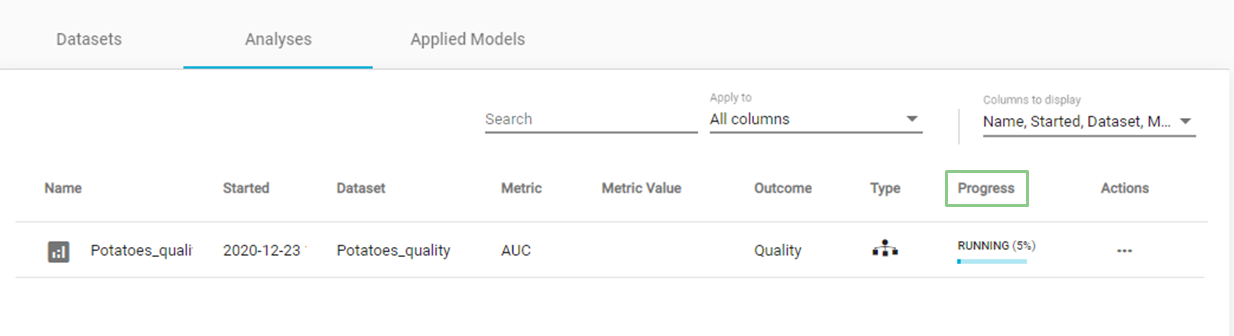
Running analysis
- Click on the 'blue progress bar' to view learning progress, you can watch each step in the analysis progression. Also, you can download the learning progress graph either as an image of the AUC vs %complete graph, or its values in a csv file.
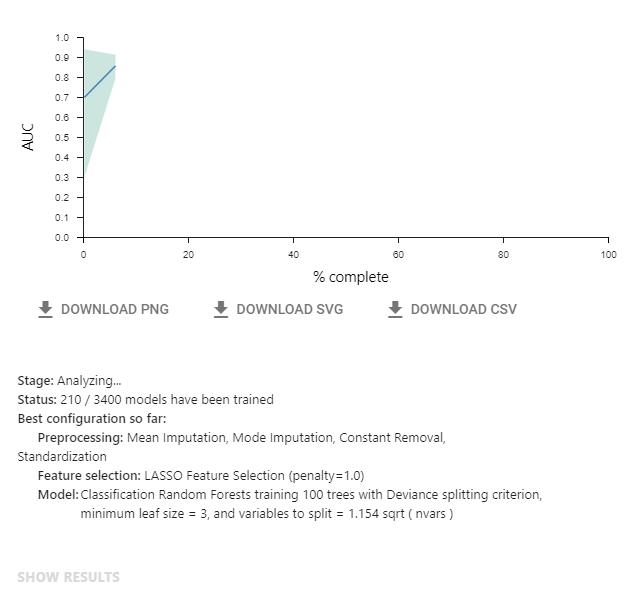
Learning progress
Note of appreciation to JADBio users
We constantly make changes in the software and do our best to update these materials, but you may notice some differences. We welcome your feedback on how to make this more useful for you and requests for future tutorials.