Accessing JADBio
The first task is go in your browser of choice and navigate to JADBio.com.
Click on '14-DAY TRIAL' to sign up and get a free trial account or click on LOG IN at the top right corner to sign in.
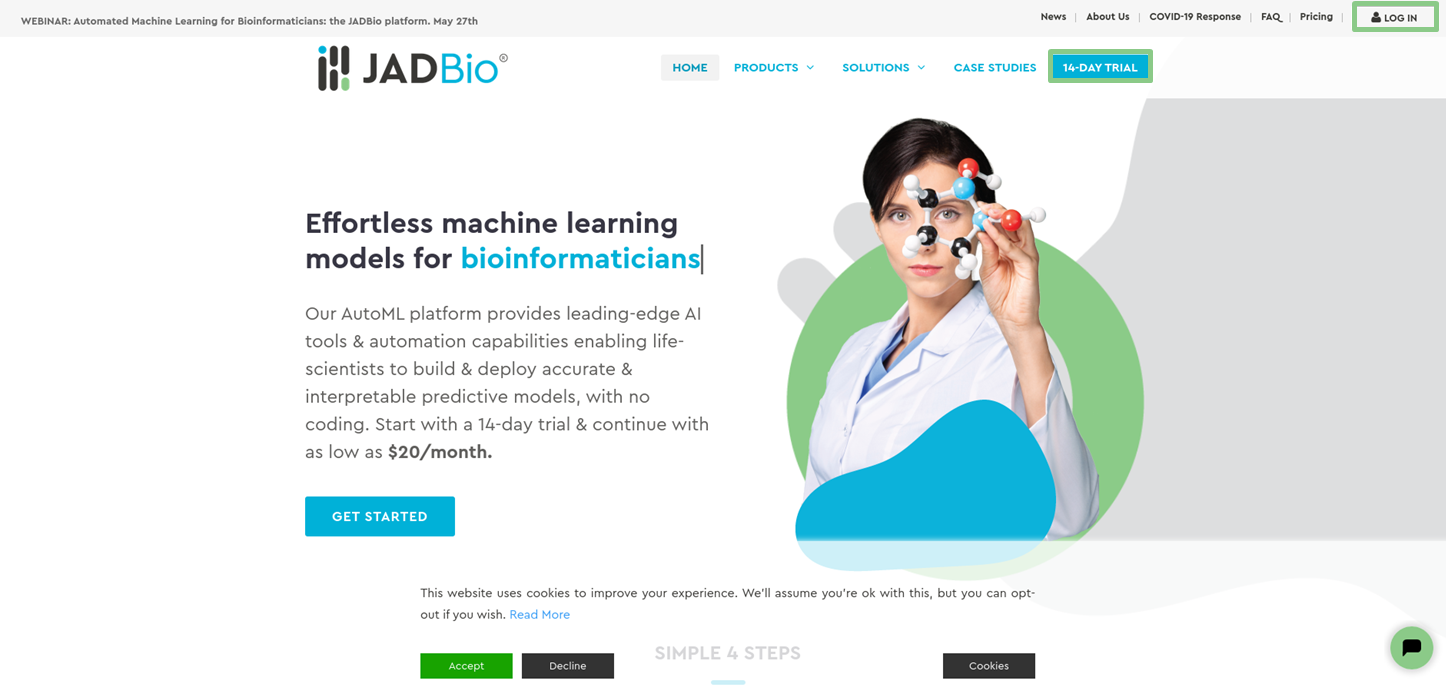
Accessing JADBio
How to sign up
Signing up in JADBio is a two-step procedure:
in Step 1, you have to complete the registration form and
in Step 2, you have to verify your email and activate your account.
Step 1 - Registration form
- Click on '14-DAY TRIAL' to create an account.
- Complete the Sign up (Registration) dialog.
- Name. Enter your Name and your Surname.
- Email. Enter your Email address.
- Role. Select your Role from the pull-down menu.
- Organization. Enter the organization you belong to.
- Password. Create your password. Your password must be between 8 and 40 characters.
- Review JADBio Privacy policy and Terms and Conditions and check that you read them and agree to them.
- Click on 'SIGN UP'.
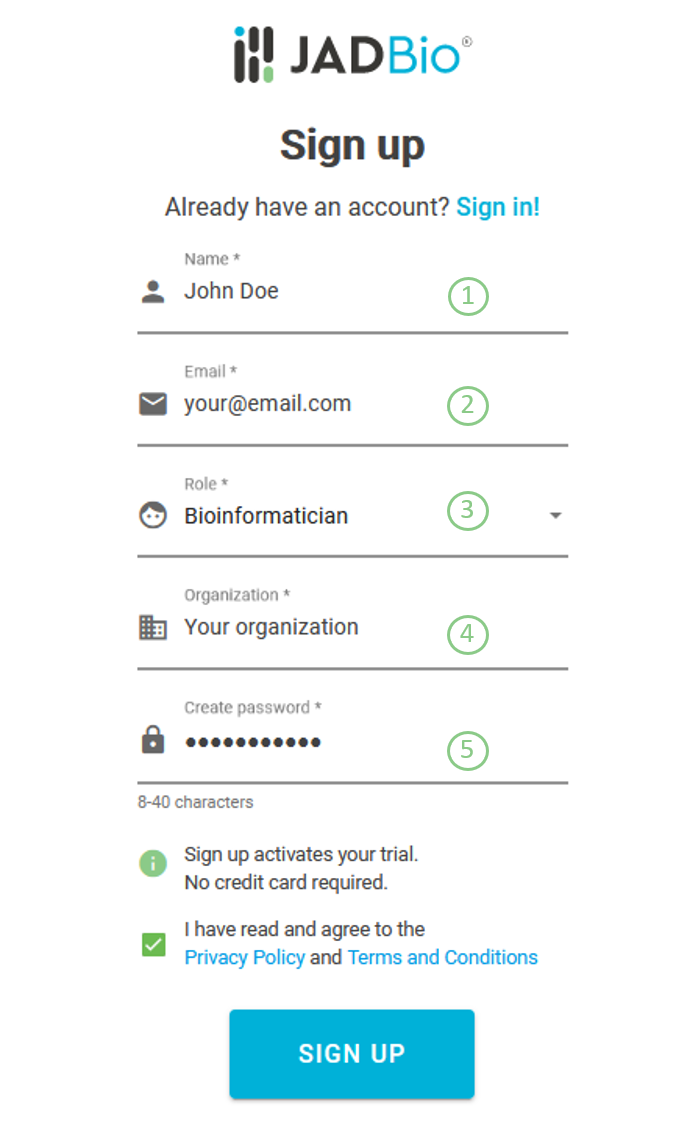
Sign up dialog
Step 2 - Email verification
After you register, you will receive an email from no-reply@jadbio.com with the subject, JADBio Email Verification.
- If you did not receive the email, please check your spam folder or click on 'RESEND VERIFICATION EMAIL'.
- To verify your email and activate your account, please open the email and click on the provided link.
Next, your 14-day trial will have been successfully activated and you can sign in to start working with JADBio.
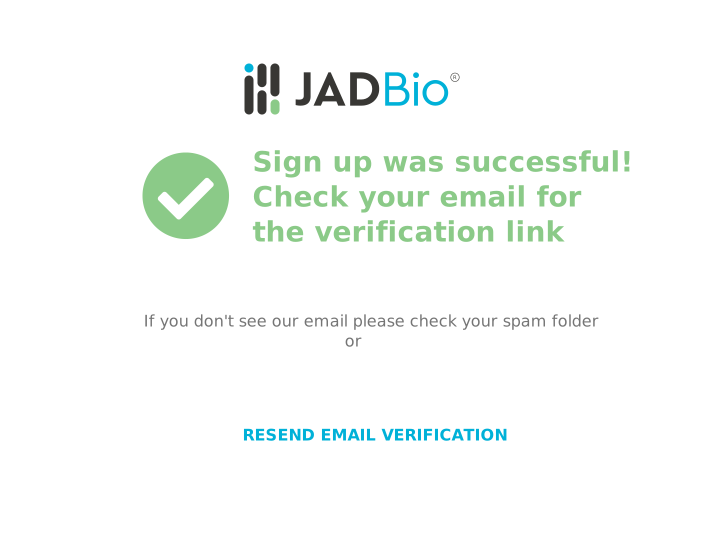
Email verification
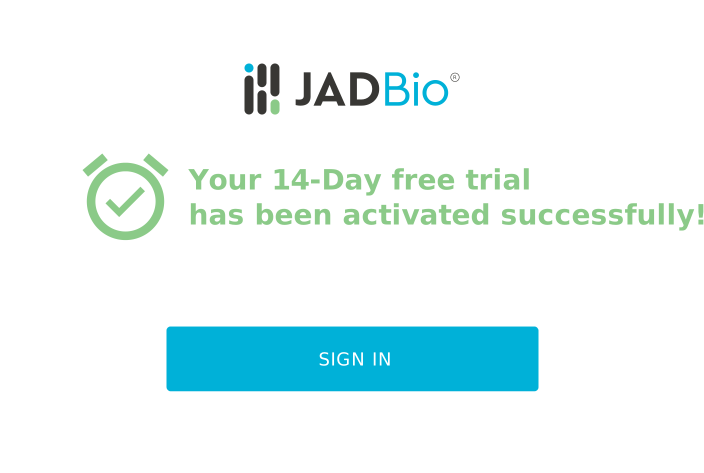
Successful activation
Pricing
For information on JADBio subscription plans, navigate to Pricing
How to sign in
To sign in JADBio, just complete the sign in form:
Sign in form
-
Complete the Sign in dialog.
1) Type your registered Email or your Username.
2) Type in your password.
-
Click in 'SIGN IN'.
-
If you forgot your password,
3) Click on 'FORGOT PASSWORD', to reset your password.
-
After signing in, you will be ready to add datasets and run analyses.
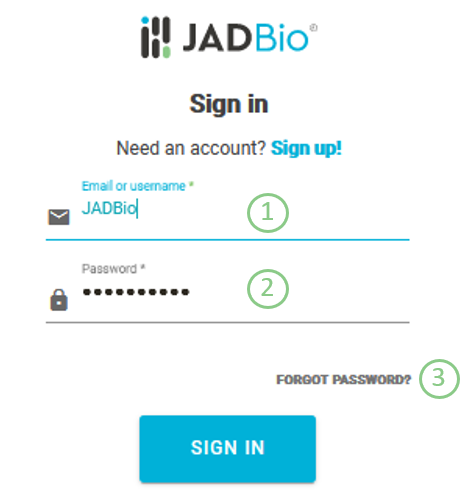
Sign in dialog
Reseting your password
You can reset your password from the Sign In page in 3 steps.
Step 1 - Forgot password
- Type in your Email address and click οn 'FORGOT PASSWORD'.
Step 2 - Receive password link
Shortly, you will receive an email from no-reply@gnosisda.com with the subject, JADBio Password Reset and a password reset link.
- To reset your password, please open the email and click οn the provided link.
- Click the link within 30 minutes (or you will need to request a new one).
- If you don't see the email, please check your spam folder ir click on 'RESEND LINK' to send you a new one.
Step 3 - Reset password
- Complete the Reset password dialog.
- New Password. Create your new password. Your password must be between 8 and 40 characters.
- Confirm password. Confirm your new password.
- Click 'SUBMIT'.
Then, you can Sign In to your JADBio account.
Note of appreciation to JADBio users
We constantly make changes in the software and do our best to update these materials, but you may notice some differences. We welcome your feedback on how to make this more useful for you and requests for future tutorials.