Starting a Project
JADBio's MENU consists of Projects, Datasets, Collaborators and USER settings.
There are two ways to navigate to your projects:
- From the Projects link on the MENU sidebar.
- From the LIST PROJECTS button in Dashboard.
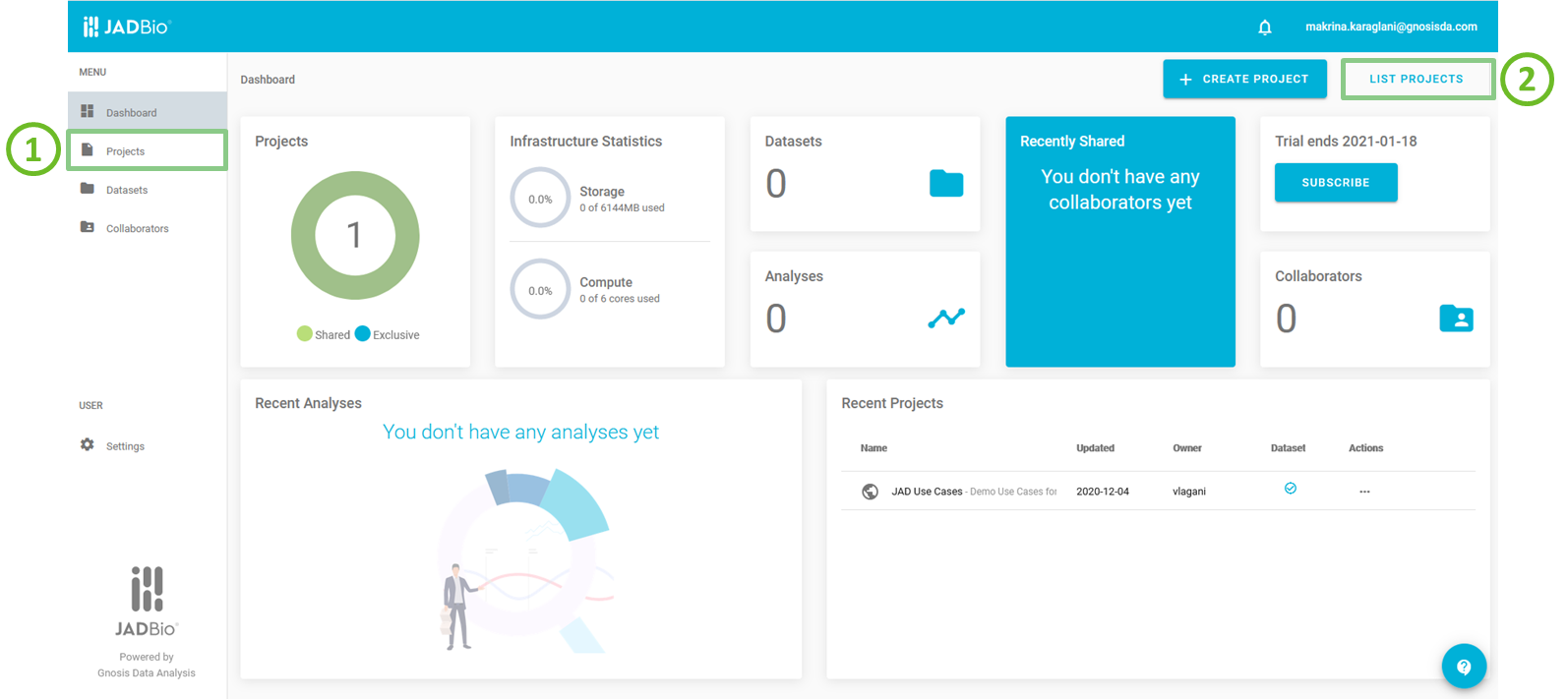
JADBio's main screen
You can always view your recently created Projects Recent Projects section on the Dashboard.
Info
In your list of Projects there is shared project, JAD Use Cases, which includes several example datasets for you to work with in JADBio. You cannot change the data in this public project, but, you can view results from a set of pre-run analyses. To analyse any of these datasets yourself, you need to attach it to another project of yours.
Projects list
When in Projects you can:
- see a list of all your projects and
- the Create a new project box.
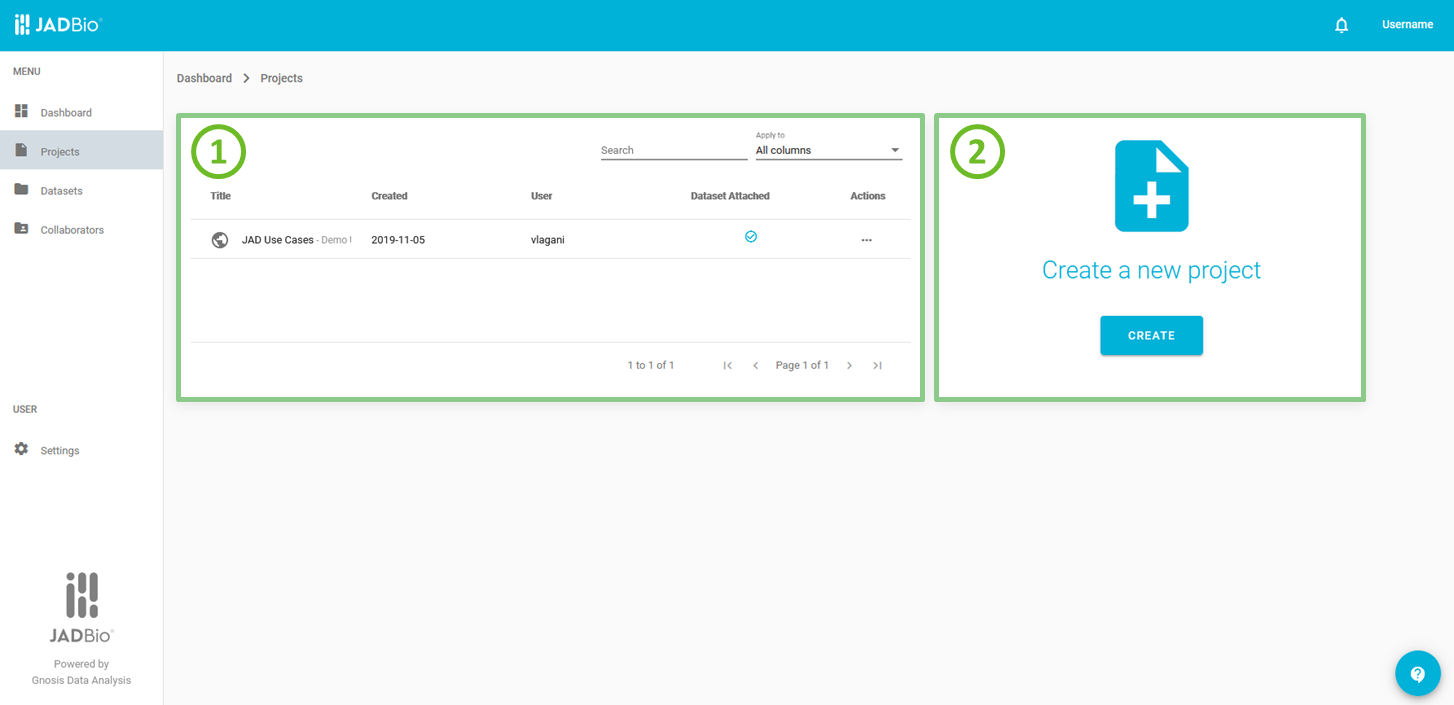
Projects list page
In the list of projects table, each Project is described by the following characteristics:
- Icon of sharing status.
- Name of the project.
- Short description of the project.
- Date of project creation.
- User, the initial creator of the project.
- Flag, indicating the presence of dataset(s) in the project.
- 'View project' action button.
- 'Delete project' action button.
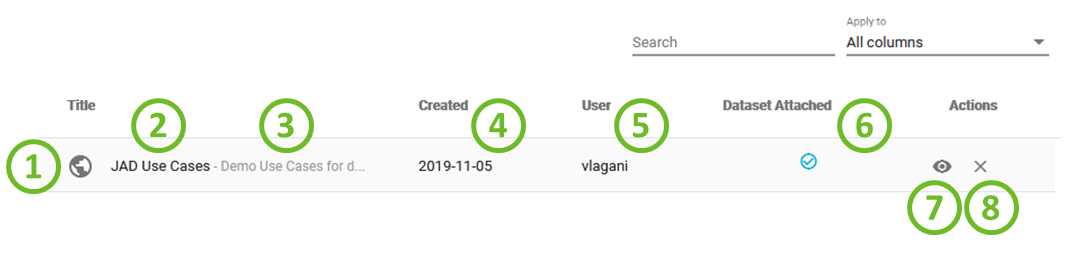
Projects list item
Creating a new Project
To analyse any dataset in JADBio it needs to be attached to a project. Hence, projects are essential. There are two ways to create a new project from the Dashboard:
- by clicking on 'CREATE PROJECT'button ,or
- by navigating to Projects page and click on 'CREATE' in the Create a new project dialogue box.
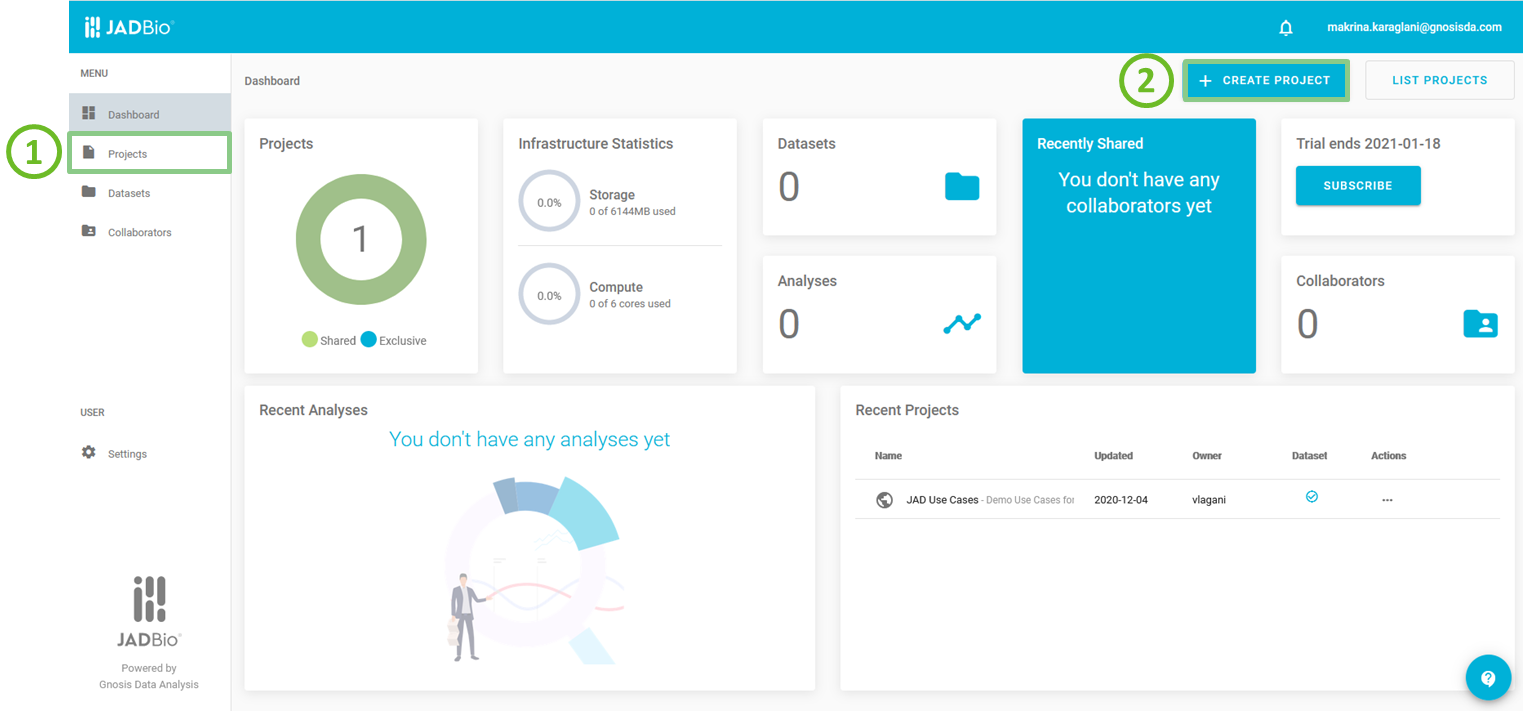
JADBio's main screen
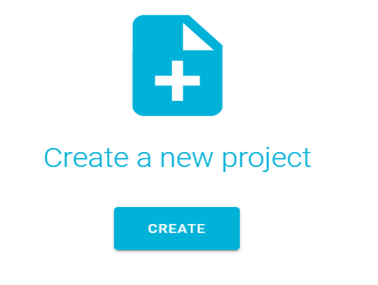
Create a new project
Next, you can give some new title to your project and also provide a short description for future reference.
Click on 'CREATE'.
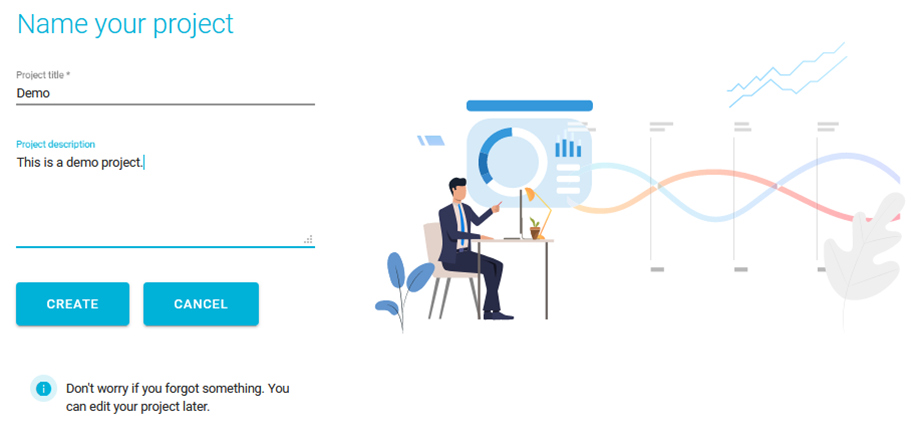
Name your project
Now, your new project is created and you can add data either by uploading a new dataset or by attaching an existing dataset from another project in JADBio.
Note
In JADBio, you can rename a project from the PROJECT DETAILS sidebar by clicking, under Name, on button.
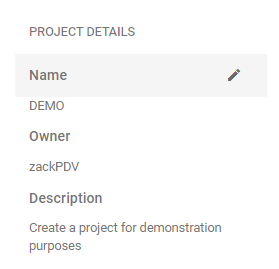
Rename your project
Note of appreciation to JADBio users
We constantly make changes in the software and do our best to update these materials, but you may notice some differences. We welcome your feedback on how to make this more useful for you and requests for future tutorials.