Data transformation (or wrangling)
JADBio provides numerous transformation tools today and we will continue to augment this functionality to support your needs.
Click on 'Transform Data' in the ACTIONS sidebar.
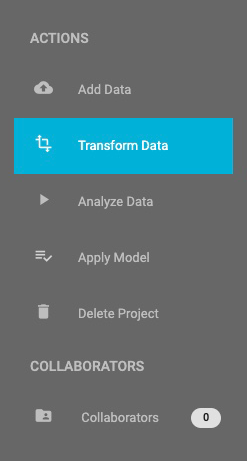
Transform ACTION
Data Transformation takes place in two steps:
- Select a Transformation type (JADBio currently provides four different transformation types: Filter, Merge, Split and Change dataset)
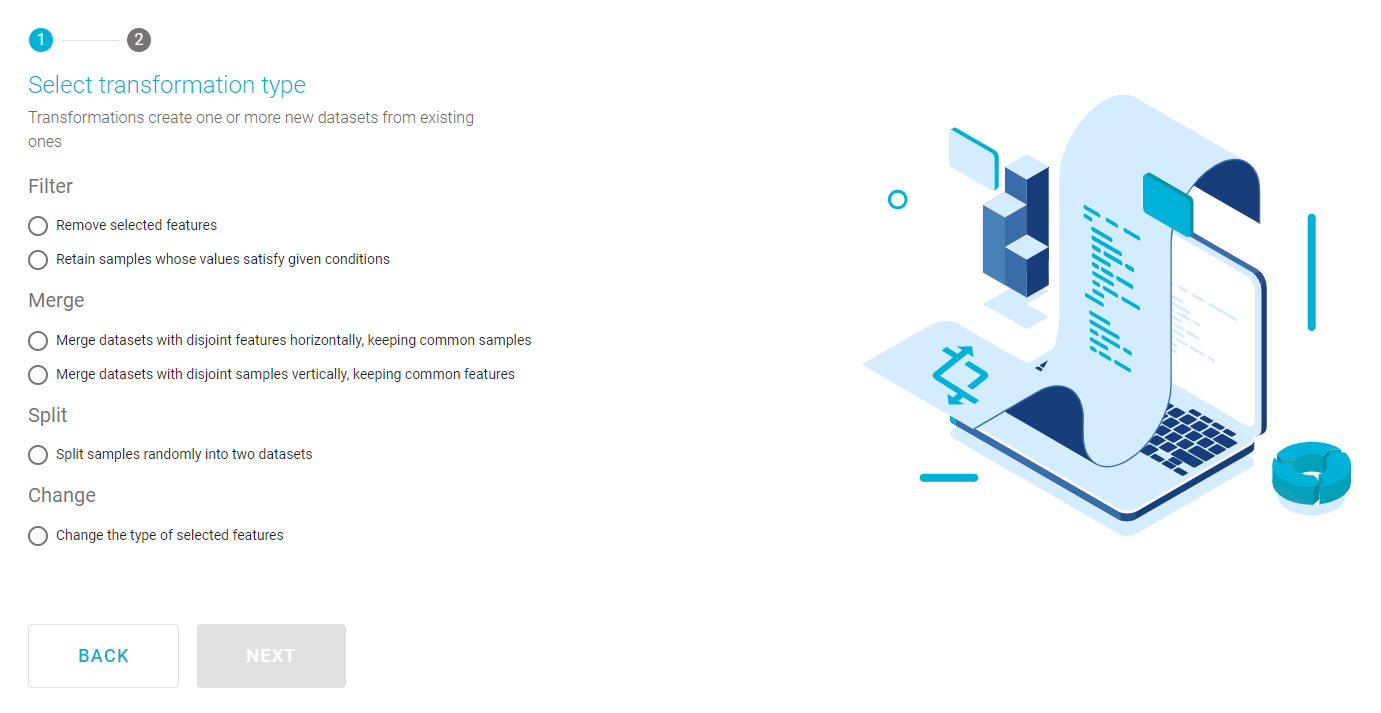
Transform menu
- and then, a Transformation configuration, explained below:
Filtering data
With this transformation type you can:
- Use an existing dataset to generate a new one (mandatory) with a set of features removed. (Remove selected features)
-
Generate a new dataset from an existing, by retaining samples that satisfy given, user defined conditions. (Retain samples whose values satisfy given conditions), e.g. :
EXAMPLE DATASET: POTATOES QUALITY
- Select feature 'Alanine-A110001'
- Select operator 'in range'
- Set 'Lower Bound' to 0.01
- Set 'Upper Bound' to 0.03
- Click 'TRANSFORM'.
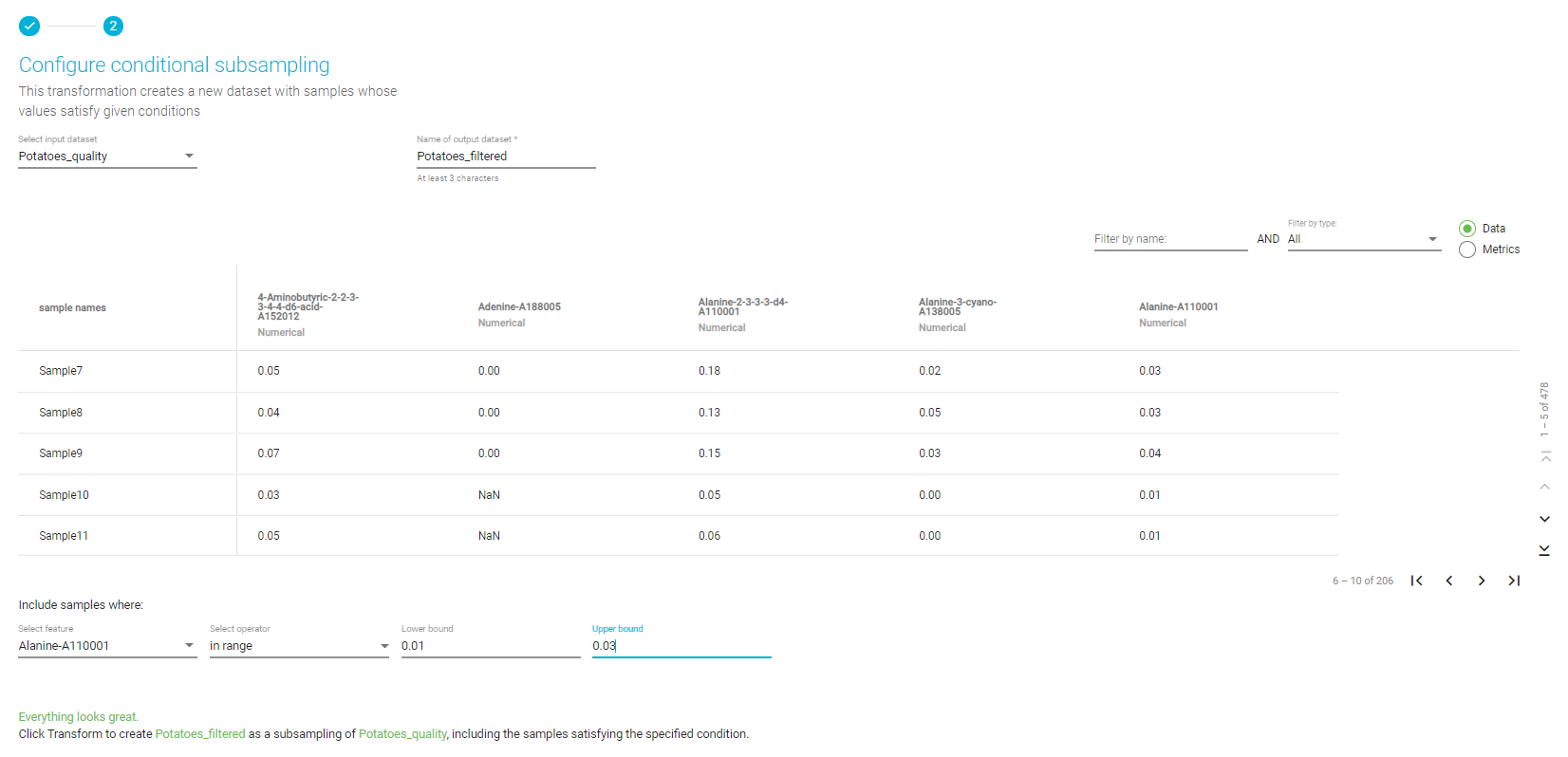
Filtering transformation
Merging data
With this transformation type you can:
- Merge datasets with different sets of features, by keeping the common samples present in all selected datasets. (Horizontal merging)
- Merge datasets with different samples, by keeping the common features present in all selected datasets. (Vertical merging)
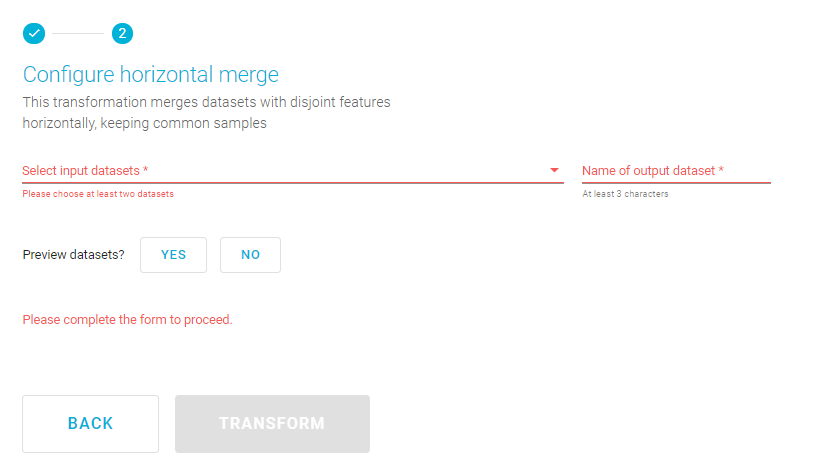
Horizontal merging transformation
Splitting data
Select the Split option.
Note
Split samples randomly into two datasets.
Click 'NEXT'.
This opens the wizard, Configure sample splitting.
EXAMPLE DATASET: POTATOES QUALITY
- From the Select input dataset pulldown, select the Potatoes_quality dataset.
- Name the first output dataset Potatoes_training and name the second, Potatoes_test.
- Set split percentage at 60%.
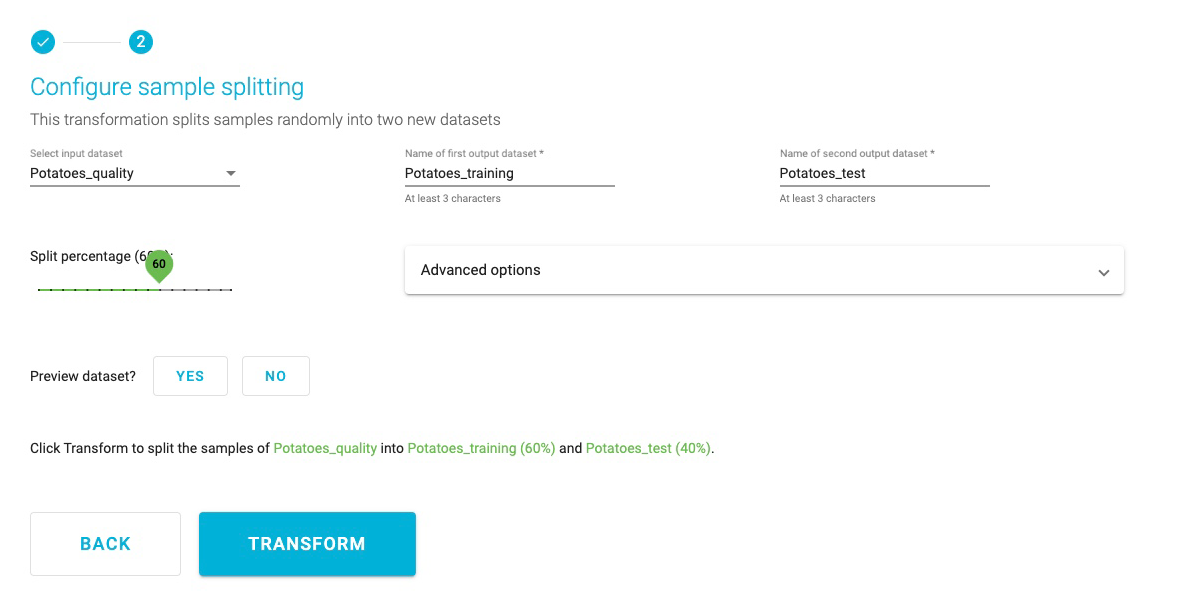
Splitting transformation
Note
Advanced options will allow you to select a feature for stratified splitting and/or a feature that defines how samples are grouped. This is not necessary for this demonstration.
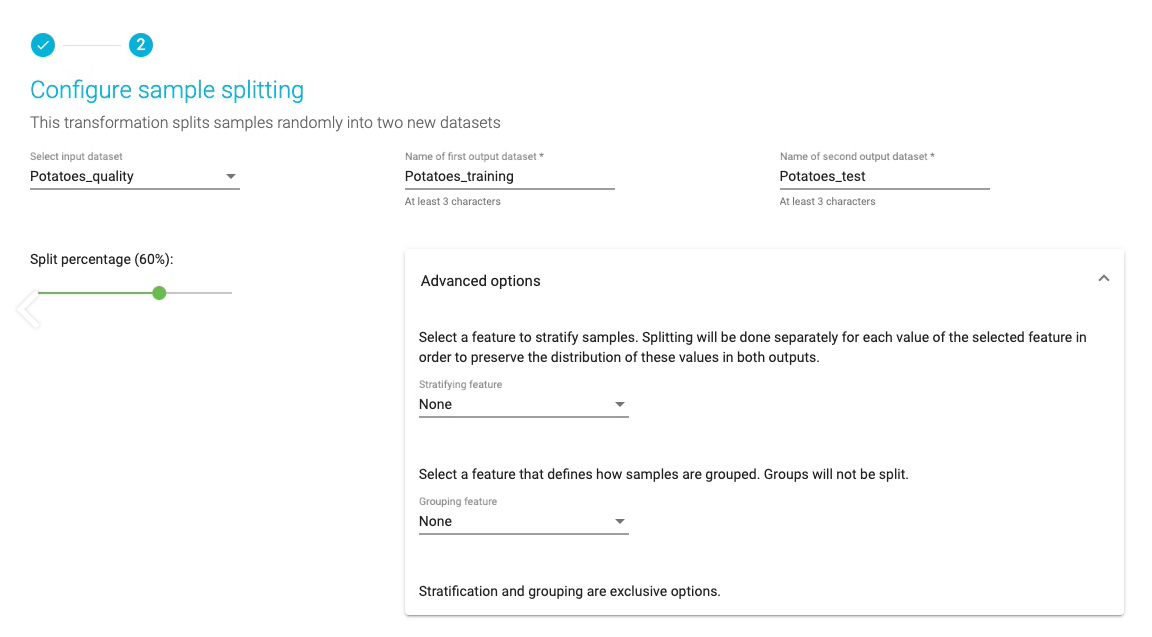
Advanced Splitting transformation
Changing feature types
Here, you can review and change the feature types assigned during dataset upload.
Note of appreciation to JADBio users
We constantly make changes in the software and do our best to update these materials, but you may notice some differences. We welcome your feedback on how to make this more useful for you and requests for future tutorials.